
GrowinShade Plant Shop

09 · In Practice

Join Our Workshops

Teaching is at the heart of GrowinShade. Our workshops inspire, educate, and connect people through the power of plants.

The teacher voice

Whenever we explain something (listings, care cards, how-tos, in-shop answers), we sound like a great workshop host.

Hands-on first

Lead with what people will do and take home.

No experience needed

Say it out loud: “Beginner-friendly. All materials provided.”

Explain the why

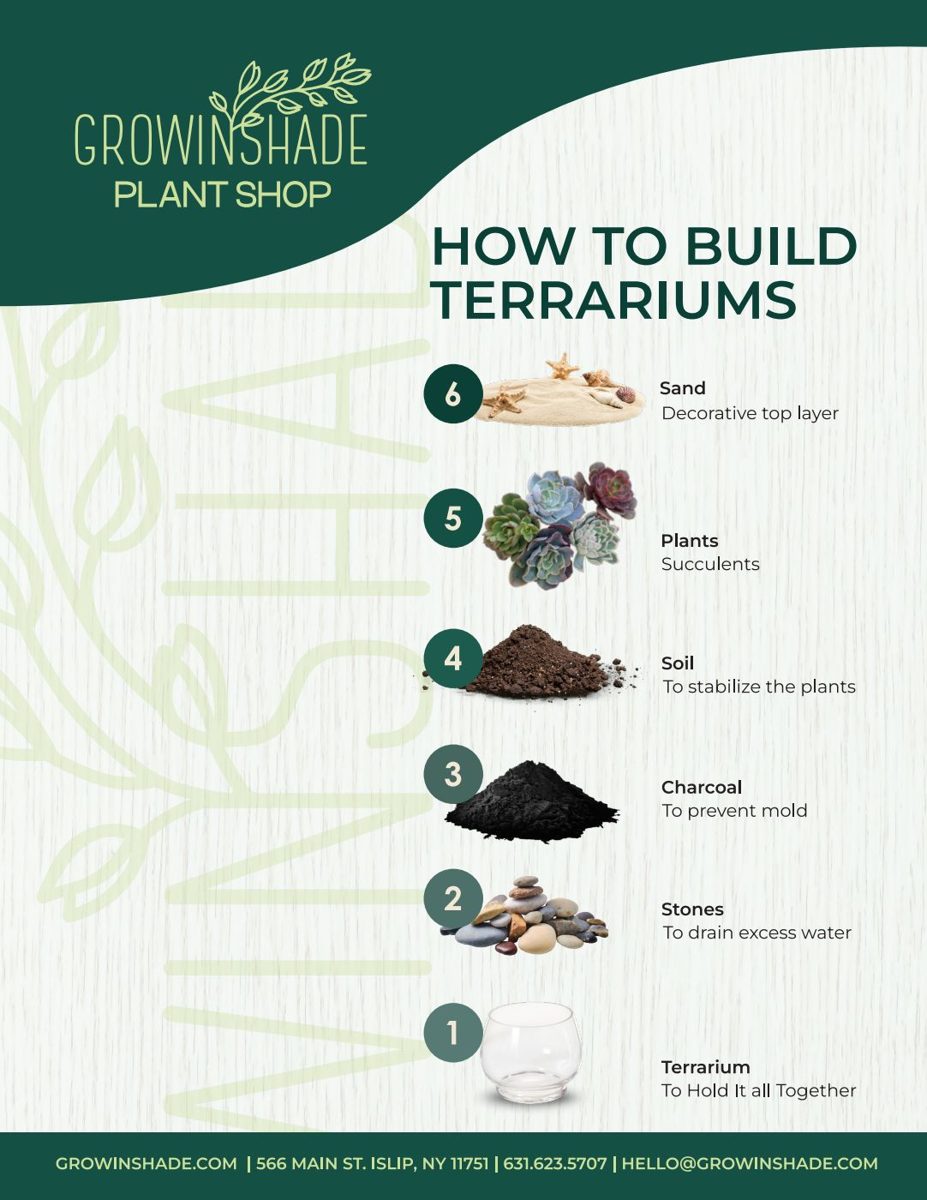
Name, then purpose: “Charcoal: to prevent mold.”

Number the steps

One action per step, starting with a verb.

Celebrate progress

“New leaf? That's a win!”

Invite the next step

The next workshop, The Leaflet, or the loyalty card.

Workshop lineup

Name these consistently in every channel.
Pottery WorkshopPaint, Pot & SipAdult Paint & PotChildren's Paint & PotTerrarium WorkshopWalk-In Mini TerrariumPropagation WorkshopPressed Flower WorkshopPlant Bingo (Plant Lover Bingo)Sourdough Workshop

Private events: always mention them. “Join us for a workshop or host a private event.” Birthdays, team outings and showers are all a good fit.

  1. When
    DAY Month Date, Time
  2. Hook
    One fun sentence: “Get your hands dirty!”
  3. What you'll do
    1–2 sentences, hands-on verbs
  4. You'll take home
    The plant, project or skill
  5. Includes
    Materials, swag bag, refreshments
  6. Where
    Venue and full address
  7. CTA
    RESERVE YOUR SPOT / Learn More

Template

{DAY} {Month} {Date}, {Time}
{Hook: "Get your hands dirty!"}
{What you'll do, 1–2 sentences with hands-on verbs}
You'll take home: {plant, project or skill}
Beginner-friendly. No experience needed.
Includes: {materials, swag bag, refreshments}
Where: {Venue}, {full address}
[RESERVE YOUR SPOT]

Sunday, March 15 · 2:00 PM

Terrarium Workshop

Get your hands dirty! Layer stones, charcoal, soil and succulents to build your own tiny world under glass. We'll walk you through every step.

You'll take home: your finished terrarium and a care card.
Beginner-friendly. No experience needed. All materials provided.

Where: GrowinShade Plant Shop, 541 Main St., Islip, NY 11751

Reserve your spot

Care card example

Every plant and terrarium that leaves a workshop goes home with a care card. This is the 4:5 format, which prints at 4×5 in. and works as an Instagram portrait post.

Care Guide

Succulent Terrarium
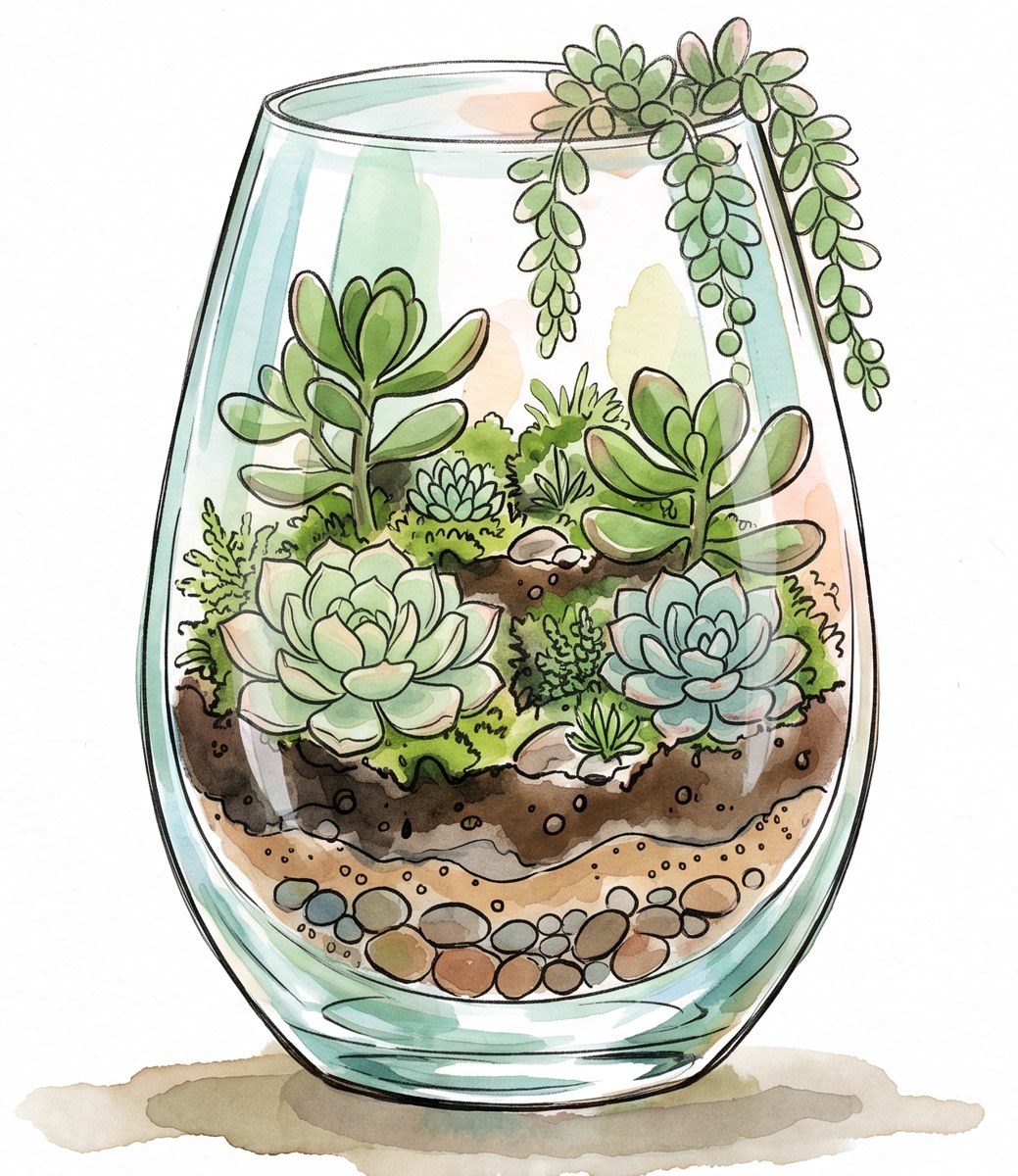
Watercolor illustration of a succulent terrarium in a glass vessel
Lighting:
Bright-direct light. Minimum of 4–5 hours of direct light.
Watering:
Water when the soil is completely dry.

WWW.GROWINSHADE.COM

Anatomy

  1. Forest rules + monstera corners
    Light-led base on white. Line art bleeds off two opposite corners.
  2. “Care Guide” signature headline
    Hollow letters, Forest outline, Marigold offset.
  3. Plant name + illustration
    Mont Heavy in Forest. Watercolor art on white, sized to fill the middle.
  4. Lighting / Watering
    Bold Montserrat labels with sun and watering-can icons. One or two short sentences each, using numerals for hours and inches.
  5. Logo + URL
    Stacked Forest logo with WWW.GROWINSHADE.COM below.

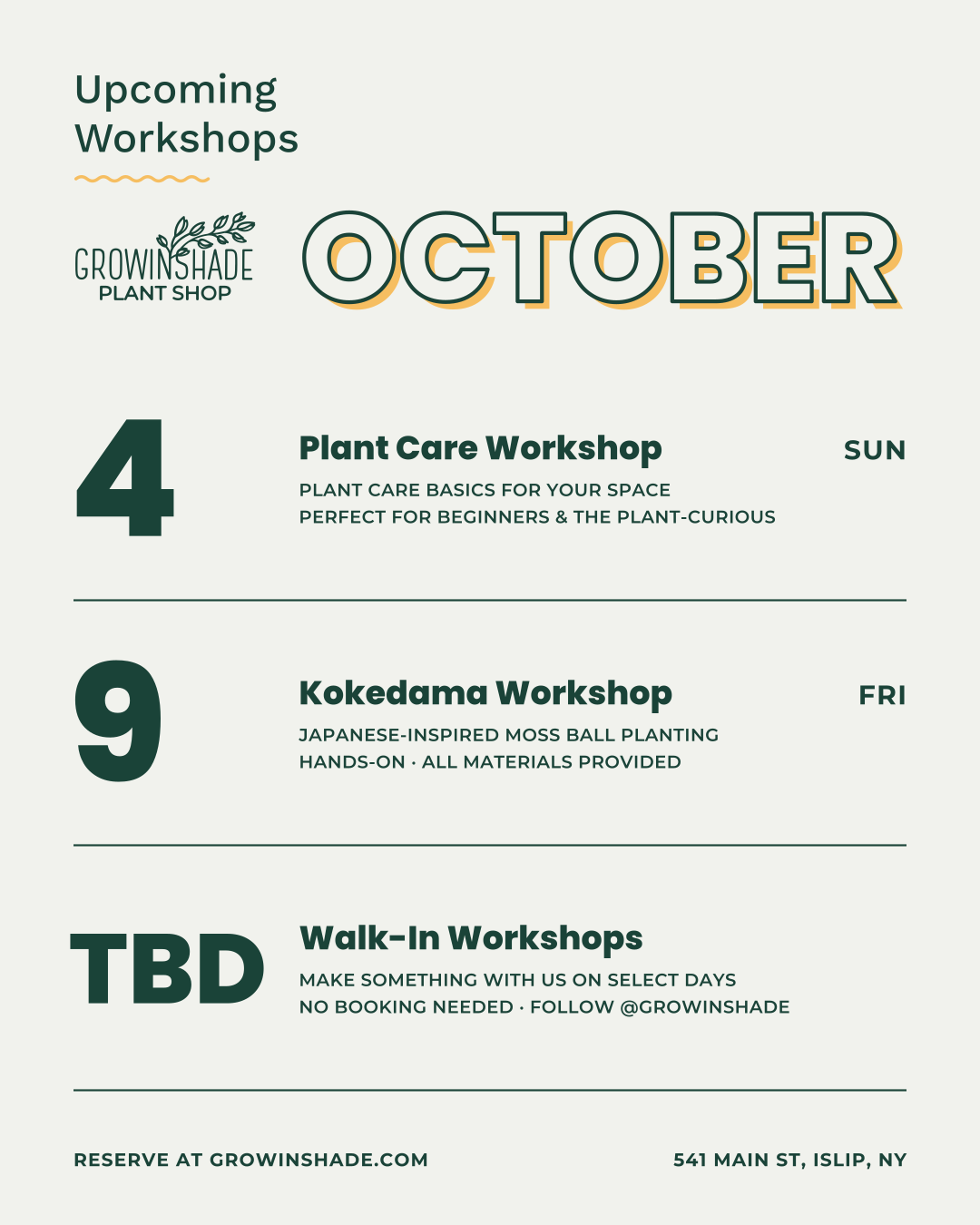
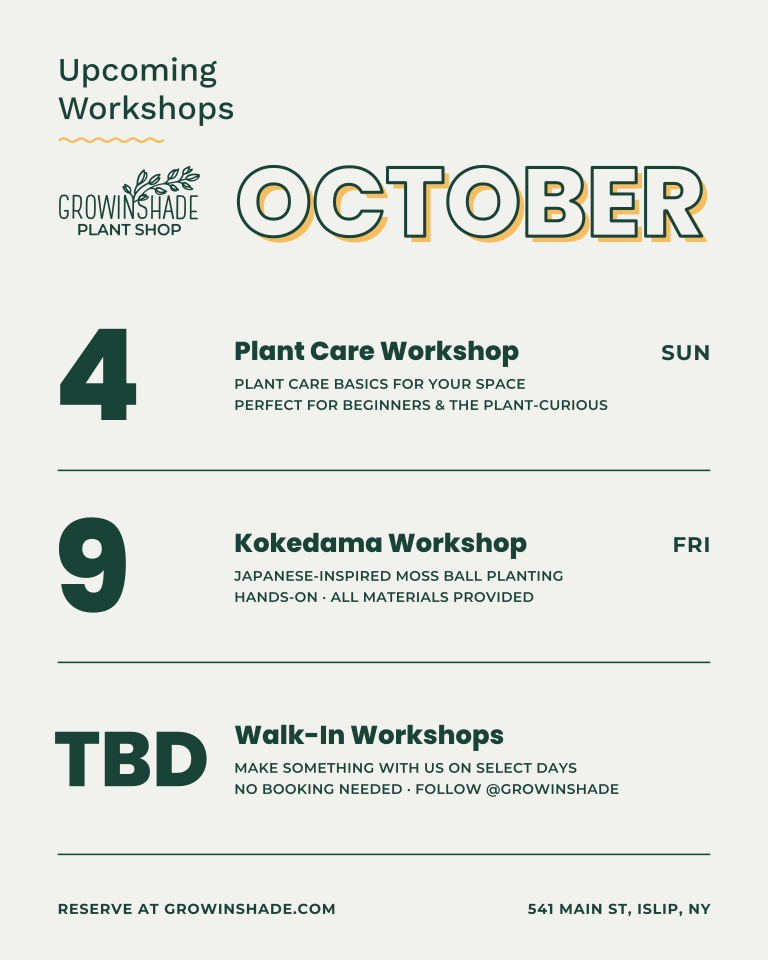
Upcoming workshops calendar

A clean, typographic monthly calendar for the shop window, counter and Instagram. It's 4:5, so it prints at 8×10 in. and posts as a 1080×1350 portrait.
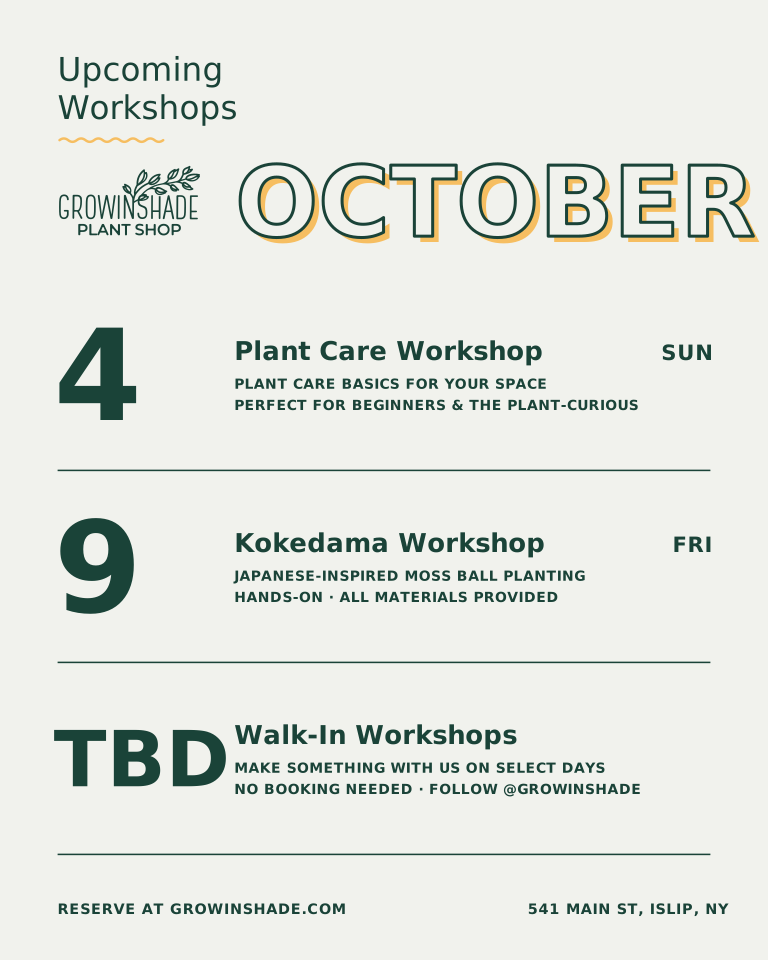
Upcoming workshops calendar for the month, with big day numbers and workshop titles

Anatomy

  1. Header
    “Upcoming Workshops” in Work Sans with a wavy Marigold rule and the logo, beside the month in the hollow signature style.
  2. One row per workshop (up to 5)
    A big Forest day number (or “TBD”), a Poppins title, then 1–2 UPPERCASE Montserrat detail lines and an optional time.
  3. Weekday at right
    Calculated from the date, so it's always correct. Forest rules separate the rows.
  4. Footer
    “Reserve at growinshade.com” on the left and the address on the right.

Making a new calendar

The easiest way is the /workshopcalender command in Claude Code. You answer a few questions, and it builds the calendar for you.

  1. Open Claude Code in the GS Brand folder
    In a terminal: cd "D:\Projects\GS Brand" then claude, or open the folder in VS Code with the Claude extension.
  2. Type /workshopcalender
    Press Enter. Claude asks for the month and year, then how many workshops (up to 5).
  3. Answer for each workshop
    The date (or TBD), the title, 1–2 short detail lines, and an optional time. You can also paste a list or an email, and it will only ask for what's missing.
  4. Review and say “build it”
    Claude checks dates, tidies wording to the brand voice, shows a summary, then generates and checks the calendar.
  5. Grab your files
    The print SVG, editable SVG and Instagram PNG go in assets/templates/, plus a dated copy in assets/templates/calendars/YYYY-MM-DD/ (first workshop's date). Several calendars a month are fine.
Prefer doing it by hand?
  • Edit assets/templates/upcoming-workshops.json: year, month, then each workshop's day, title, details and time.
  • Run node scripts/build-upcoming-workshops.mjs in the BrandSite folder.

  • Or open the editable SVG in Illustrator and change the text directly.
Join Our Workshops card
Workshop cardLight-led, monstera corner, QR + Learn More.
How to build terrariums guide
How-to guideWave header, numbered steps, contact band.
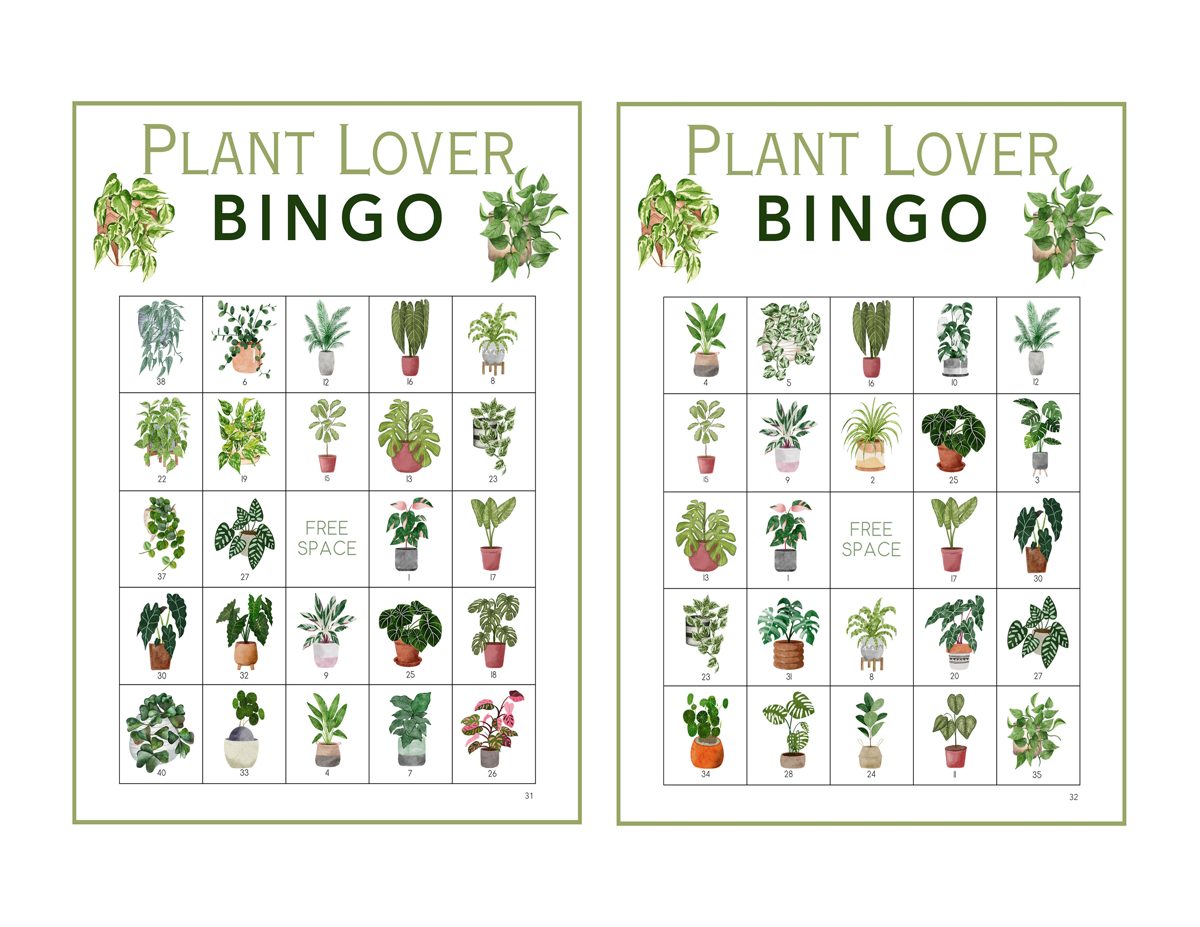
Plant Lover Bingo card
Plant Lover BingoWatercolor plants, 5×5 grid, FREE SPACE.